The lv999 app is a 36 MB Android file that puts slots, live tables and crash rounds on your own phone. Install it once and you sign in with the same account you already use on the website, with the same balance and the same bonus.
- 36 MB file
- Android 7.0 or newer
- Free download
Scan the code with your phone camera to open this page on your phone. Save lv999.apk to Downloads, then tap it to install.
18+ · Play Responsibly
Your lv999 App File: Version, Size and Android Support
One file, one install. The lv999.apk on this page is the same build we publish for every Android phone in Bangladesh, and the numbers below tell you what your handset needs before you tap download.
Downloading takes well under a minute on a normal 4G connection, and the file stays in your Downloads folder until you open it. If you have never installed an app from outside the Play Store, read the five steps below first.
| App version | 2.3.1 |
|---|---|
| File name | lv999.apk |
| File size | 36 MB |
| Minimum Android | 7.0 or newer |
| Last updated | 10 November 2026 |
| Price | Free. Your operator's data charges still apply. |
| Languages | English and Bangla |
| Login | Same account as on the website. Sign in here if you need the web version. |
Install the lv999 APK on Android in Five Steps
Android blocks any app that does not arrive through the Play Store until you give the browser permission. The five steps below cover that permission, the download and the first login.
-
1
Allow your browser to install apps
Open Settings, then Apps, then Special access, then Install unknown apps. Pick the browser you use, Chrome or Opera, and switch Allow from this source on. You only repeat this once per browser, not for every download.
-
2
Download lv999.apk
Tap the Download APK button at the top of this page. The file is 36 MB, so a 4G connection in Dhaka usually finishes inside a minute. Keep the browser open until a download complete notice appears in your notification shade.
-
3
Open the file you just saved
Pull down your notifications and tap lv999.apk, or open your file manager and look inside Downloads. If Android asks which app should open the file, choose Package Installer rather than a document or photo viewer.
-
4
Confirm the install
Tap Install on the screen that lists what the app can access. Google Play Protect may warn you about software from outside its store; choose Install anyway to carry on. The whole install takes a few seconds on most phones sold in Bangladesh.
-
5
Sign in and make a deposit
Open the lv999 app and log in with your existing details, or create an account if you are new. Then open the cashier and deposit with bKash or Nagad. The minimum deposit is ৳300 and the app drops you into the lobby once it clears.
On iPhone and iPad: add lv999 to the home screen
There is no iOS install file, because Apple only accepts apps listed in its own store. Safari gives you the next best thing: a full-screen shortcut that opens lv999 without the browser bars and keeps you logged in between sessions.
-
1
Open Safari at lv999.world
Use Safari rather than Chrome on iOS. Sign in with your normal account details so the shortcut opens on your lobby, not the welcome page.
-
2
Tap the share icon
The share button sits in the middle of the bottom toolbar on iPhone, and near the address bar on iPad. Scroll the sheet that opens until you find the Add to Home Screen option.
-
3
Name it and tap Add
Type lv999 in the name field, then tap Add in the top corner. The icon appears on your home screen and opens the site full screen, with the same games, wallet and bonuses.
What You Get Once the App Is Open
The app is not a cut-down version of the site. Everything you can play in a browser runs here, arranged for a thumb rather than a mouse, and it remembers where you stopped.
One balance, every game
Slots, live tables and crash games share a single wallet. Win on Golden Leopard and the money is already sitting there when you open a blackjack table. No transfers between sections, no second login, no waiting for a balance to update.
Deposits that match bKash habits
Pay with bKash, Nagad, Rocket, Upay or a bank transfer. Money usually lands in about 3 minutes, and the app saves your last method so the next deposit takes two taps. The minimum is ৳300.
Payouts without a queue
A withdrawal normally reaches your wallet in around 33 minutes. The daily limit starts at ৳130,000 and rises with your VIP tier, so regular players are not stuck waiting on a manual approval.
Crash and live tables built for one hand
Crash rounds, multiplier games and Evolution live tables are laid out for portrait screens, with the cash-out button inside thumb reach. Stakes start from ৳1 on several tables, so a small test round costs very little.
A lobby that remembers you
The app opens on the games you played last and keeps your favourites at the top. You get 3,700 titles from seven studios with a search bar that still responds on a slow connection.
Updates without the Play Store
New builds arrive as an in-app message with a fresh APK link. Download it, install it over the old version, and your login, balance and history stay exactly as they were. Nothing needs uninstalling first.
Games you can open with one tap
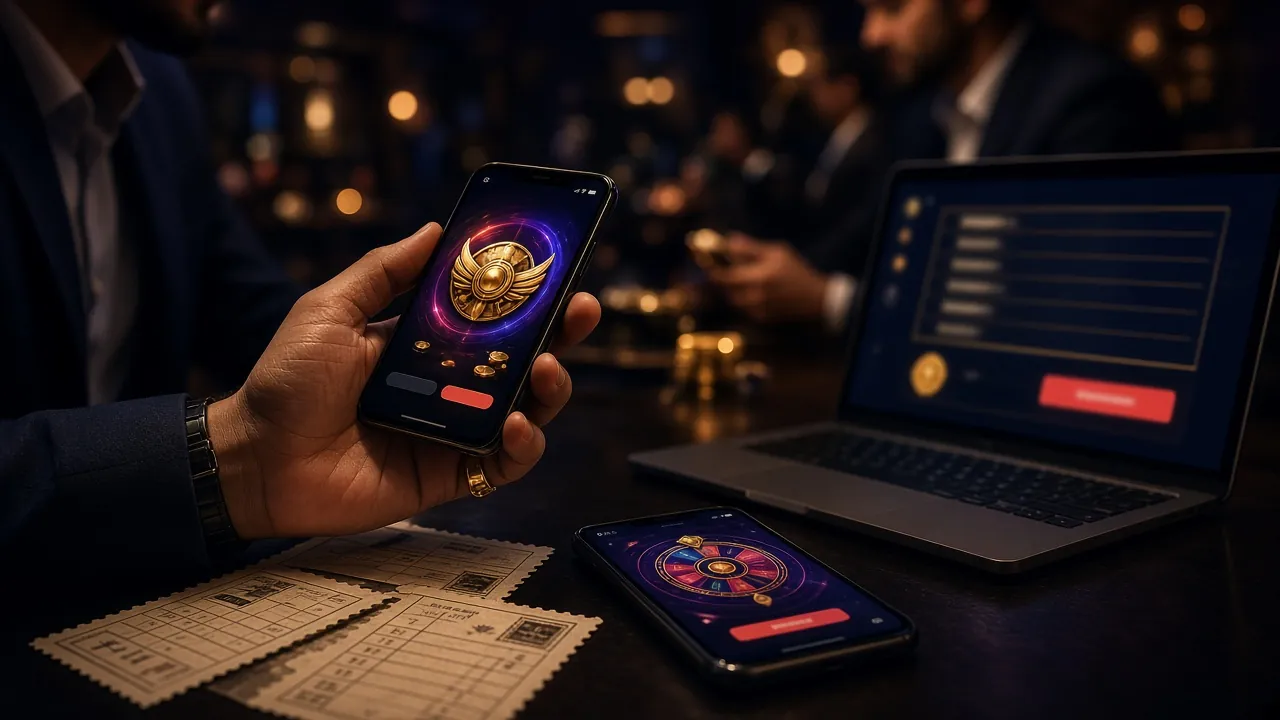


Golden Leopard pays at 95.7% RTP and takes stakes from ৳5. Crash runs at 96.2% and starts at ৳10. Both sit in the default lobby, next to titles from Ezugi, Pragmatic Play, KA Gaming, Habanero, PG Soft, Playtech and Evolution.
Browse the Casino LobbyDownloads, Permissions and Account Safety
An app that handles money deserves a second look before you install it. Here is exactly where the file comes from, what it can see on your phone, and what protects your account afterwards.
Download only from lv999.world
The APK on this page is the build we publish ourselves. Copies passed around file-sharing sites, Telegram groups or random blogs can carry extra code that has nothing to do with lv999. If a page asks you to install something else first, close it and come back here.
The permissions you will see
Storage, so the app can save update files and keep your session. Notifications, for deposit confirmations, bonus reminders and crash round alerts. Network access, to reach the game servers. The lv999 app does not read your SMS, contacts or call log, and it has no reason to.
Your account stays behind your password
Log in with the details you already use on the site. Before your first withdrawal, KYC asks for one document: an NID card, passport or driving licence. Review normally takes up to 24 hours, and live chat runs 24/7 in English if a check gets stuck.
Keep the phone itself clean
Set a screen lock, keep Android updated, and log out if you share a phone with family. If you sell or hand the handset on, uninstall the app first so the saved session cannot be reopened. Betting on a borrowed phone is how accounts get disputed.
Payments inside the app use the same cashier as the website, and your bKash or Nagad PIN is entered on the operator's own screens, never inside lv999.
App or Browser: Which Fits Your Day
Both versions use one account, one balance and the same ৳300 minimum deposit. The real difference is how they behave on a phone, and that usually decides which one stays on your home screen.
| What you notice | lv999 app | Mobile browser |
|---|---|---|
| First visit | One-time 36 MB install, a minute or so. | Nothing to install, opens straight away. |
| Data use | Games are cached, so repeat visits load less. | Page elements download again each session. |
| Alerts | Deposit, bonus and crash notifications. | None unless you open the site yourself. |
| Live tables and crash | Full screen, one-hand layout, quick cash-out. | Runs fine, but portrait tables feel cramped. |
| Updates | Install a new APK when the app asks. | Always the current version on refresh. |
| Phone storage | 36 MB for the file, more as caches build up. | Only the browser cache, easy to clear. |
| Best for | Daily players on one phone. | Occasional play, shared phones, low storage. |
If you check scores at lunch and play at night, the app saves you a login every time. If you deposit once a month, or the phone is shared with family, the browser is simpler to clear and leaves nothing behind. You can move between the two whenever you like, because the lv999 login is the same on both.
If the lv999 APK Will Not Install
Almost every failed install comes down to one of five things. Find your message in the left column, then read across for the cause and the fix.
| What you see | Why it happens | What to do |
|---|---|---|
| "App not installed" at the end | An older lv999 build is still on the phone, or the file copied over incompletely. | Uninstall the old app, open the downloaded file again and let it finish before tapping Install. |
| Play Protect blocks the file | Google flags anything installed outside the Play Store by default. | Tap More details, then Install anyway. The warning appears once per build and clears after that. |
| Download stops partway | The connection dropped, or the browser saved a partial 36 MB file. | Delete the broken file, switch between Wi-Fi and mobile data, then download again from this page. |
| App opens but the lobby never loads | Storage is full, or the network cannot reach the game servers. | Free up space, close background apps and reload. If it still hangs, check your balance in the browser. |
| A new version refuses to install | The old install sits on a memory card the phone no longer reads. | Move the app back to internal storage, or uninstall it and install the latest APK fresh. |
Nothing above worked? Live chat answers in English 24/7, and it helps to have your phone model and Android version ready.
Put the lv999 Lobby on Your Home Screen
The file is 36 MB, version 2.3.1, and free to install. Once it sits on your home screen, the lobby opens without a browser, a saved bookmark or a fresh login every time your phone clears its tabs.
-
One account, one balance Sign in with the number and password you already use on the website. Your deposit, bonus credit and VIP tier are waiting, not a second wallet.
-
Runs on Android 7.0 and newer A mid-range handset on 4G installs it in well under a minute, and the 36 MB file takes up less room than a few chat-app videos.
-
Cash out from the app Request a withdrawal to bKash, Nagad or your bank without switching to the website. After your first ID check, most requests land in about 33 minutes.
-
Live chat at any hour Tap the chat icon when a deposit does not show or a spin looks wrong. The team answers in English and Bangla, 24/7.
Scan the code to open this page on your phone, then save lv999.apk to Downloads.
Before You Tap Install: App Questions
Is the lv999.apk file safe?
Why does Android say the file may be harmful?
Will the app run on a cheaper phone?
How do I update the lv999 app?
Do I need the app to log in and play?
Can I deposit with bKash inside the app?
Does the lv999 app work on iPhone?
New to lv999? Create an account first, then come back and install the APK on the same phone.